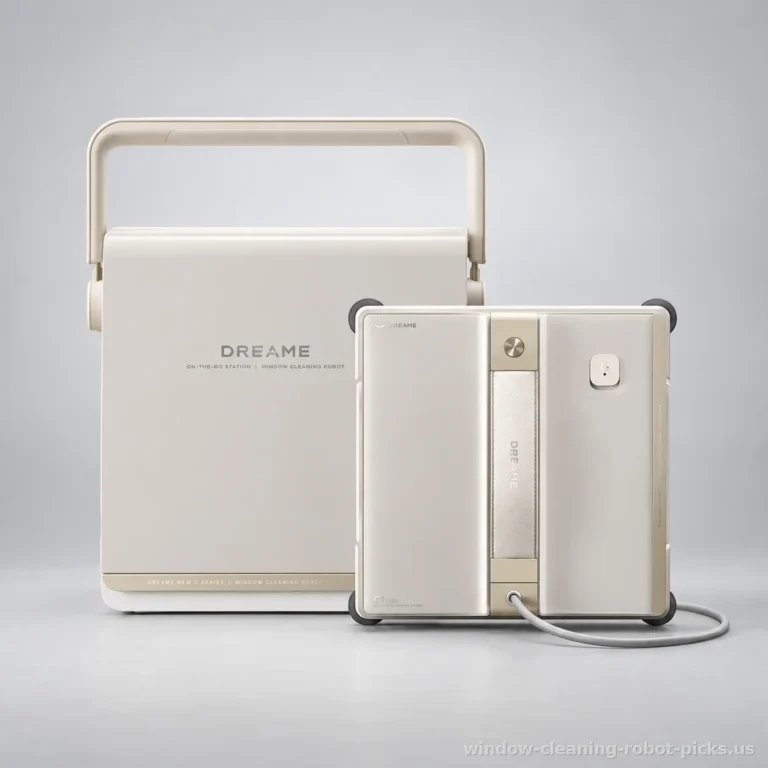
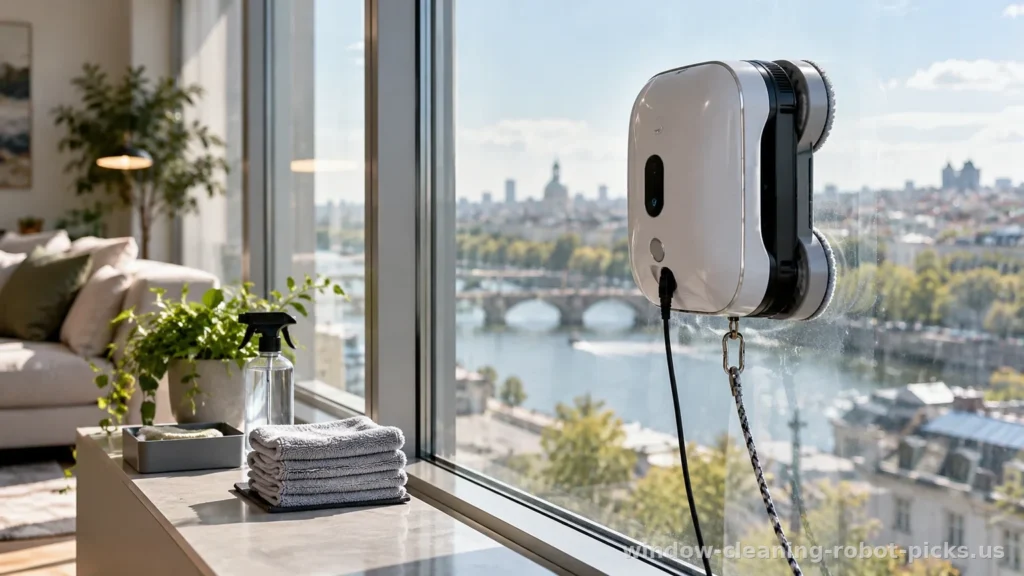
The reliability and lifespan of a window cleaning robot depend on its design, maintenance and repairability; no verifiable average lifespan can be applied to all models. To choose a device you can keep using, check its compatibility with your windows, spare parts availability and after-sales support. Also distinguish cleaning streaks from actual faults.
Contents
- How long can a window cleaning robot last?
- The warranty does not measure longevity
- The backup battery ages too
- How can you identify a reliable window cleaning robot?
- Can a window cleaning robot fall?
- What do reviews reveal about reliability?
- What maintenance helps extend its lifespan?
- Before each cleaning session
- After cleaning and before storage
- What should you do when the robot malfunctions?
- The robot will not start or stops running
- The robot slips or leaves streaks
- How can you choose a durable, repairable model?
- Frequently asked questions about window cleaning robot reliability
- What is the average lifespan of a window cleaning robot?
- Which window cleaning robot brand is the most reliable?
- Do negative reviews mean the robot is unreliable?
- Does the robot keep cleaning during a power cut?
- Can you leave a window cleaning robot running unattended?
- Can maintenance extend its lifespan?
How long can a window cleaning robot last?
A window cleaning robot can remain functional as long as its components reliably supply power, keep it attached to the glass and move it around. However, stating a lifespan in years requires documented tracking of specific models. An estimate without an operating history, cleaning frequency or calculation method is not a sound benchmark.
The workload varies from home to home. A few windows cleaned occasionally do not involve the same amount of work as large expanses of glazing cleaned regularly. Surface dirt, storage conditions and compliance with instructions can also affect how the device ages.
The warranty does not measure longevity
The warranty sets out the conditions under which a fault is covered. It does not predict when a breakdown will occur. Its expiry does not mean the robot has reached the end of its life either. Check the exclusions, the supporting documents required and the repair procedure.
Spare parts availability is a key factor in durability. A device can become unusable because a compatible adapter is unavailable, even though its motor still works. Conversely, a replaceable part may allow you to keep using it. Check these options for the exact model, rather than just the brand.
The backup battery ages too
On many robots powered by mains electricity, the backup battery temporarily keeps the device attached to the glass during a power cut. It does not necessarily allow cleaning to continue. Cleaning runtime must therefore be distinguished from the stated holding time.
Consult the manual for charging instructions, indicators to check and storage conditions. Also ask whether this battery can be replaced and by whom. A backup system listed in the specifications must remain operational to fulfil its role.
How can you identify a reliable window cleaning robot?
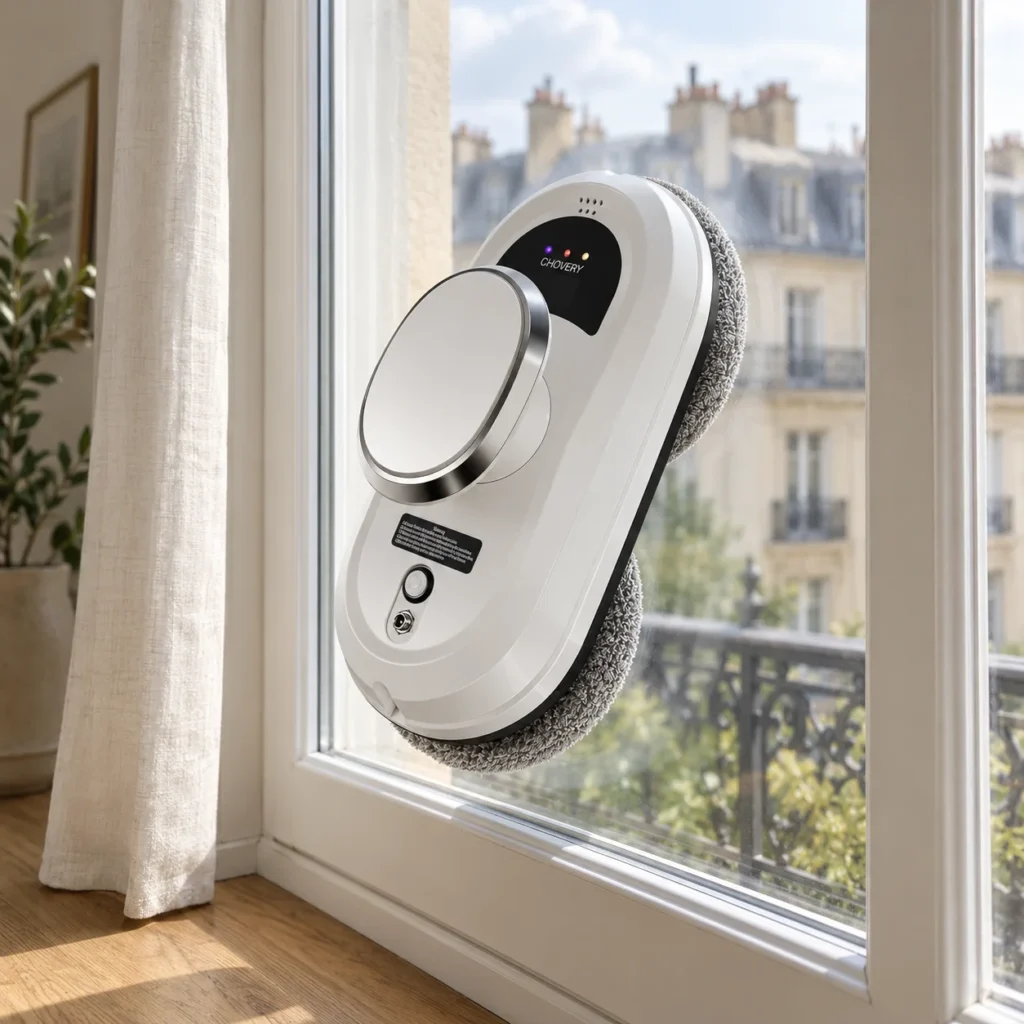
Reliability involves several distinct functions. A robot must stay attached, move across approved surfaces and signal the faults its design allows it to detect. The stated suction power alone is therefore insufficient to establish reliability or directly compare different devices.
- The attachment system must suit the type and condition of the glass.
- Edge detection must suit the framed or frameless windows approved for use.
- The power supply, connectors and their fastening mechanisms must be documented.
- Alerts must be explained in an accessible manual.
- Consumables and replacement parts must be clearly identified.
Check the minimum surface dimensions, restrictions on sloping glass and special coatings. Compatibility with a standard glazed door does not establish that the robot is suitable for a conservatory, shower screen or any frameless surface.
Can a window cleaning robot fall?
A fall remains possible if attachment becomes insufficient or operating conditions are not followed. The backup battery and safety cord serve different purposes. No device justifies neglecting installation requirements or the manufacturer’s restrictions.
Attach the cord to a suitable anchor point, following the manual. Prepare the power supply and check the backup battery charge when required. Follow supervision instructions and avoid any situation where a falling device could hit someone, particularly when cleaning outside.
What do reviews reveal about reliability?
Customer reviews can help identify practical difficulties, but they do not automatically establish a failure rate. Their value depends on the model being identified, the detail of the account and how long the device has been used. A review published after a few cleaning sessions reveals little about longevity.
When analysing feedback, look for the symptoms described, how often they recur and the response from after-sales support. Comments about several generations should not be grouped together indiscriminately. A recurring difficulty warrants investigation, without proving that every device will be affected.
| Reported issue | What to examine |
|---|---|
| Streaks or poorly cleaned corners | Cleaning pads, glass preparation, robot shape and cleaning limitations |
| Repeated stops or interrupted cleaning paths | Alerts, obstacles, glass dimensions and installed accessories |
| Slipping or loss of attachment | Safety conditions, approved surfaces and shutdown procedure |
| Repair not possible | Affected part, exact model reference and after-sales service response |
Noise, repeated passes and the preparation required can make a device inconvenient without indicating a fault. These limitations still matter when choosing. A working robot may not suit your expectations or the layout of your windows.
What maintenance helps extend its lifespan?
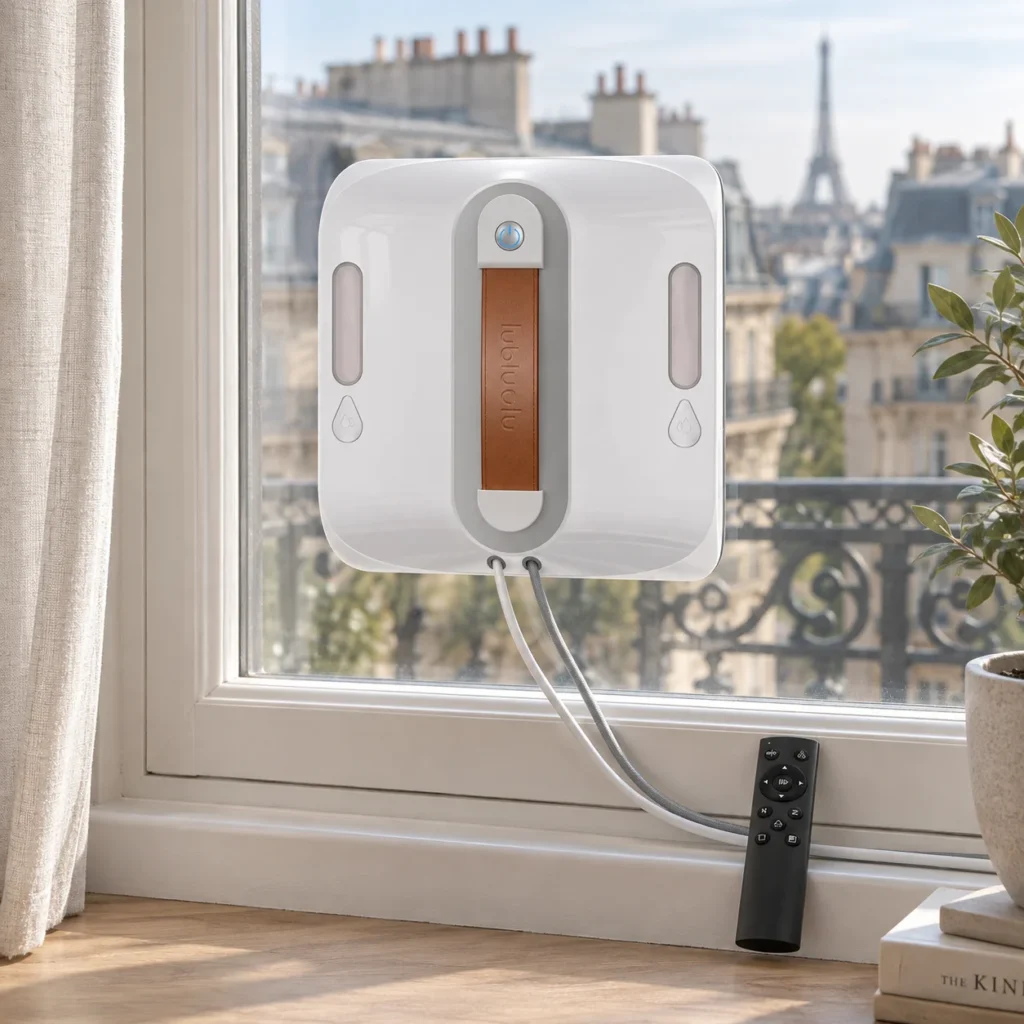
Maintenance reduces the buildup of dirt that can interfere with movement, spraying or sensors. It does not guarantee freedom from faults. Unplug the device before maintenance and work only on accessible parts designated by the manufacturer.
Before each cleaning session
- Inspect the cable, adapter, connectors and safety cord.
- Check that the cleaning pads are clean, undamaged and properly attached.
- Check accessible drive components as instructed in the manual.
- Prepare the backup battery if the model has one.
- Follow the instructions for preparing and moistening the glass.
Use only approved liquids and the recommended quantities. An unsuitable product can leave deposits or affect certain materials. Depending on the device, an overly wet pad can also interfere with movement. Do not pour liquid into any area not designed for it.
After cleaning and before storage
Wash the fabric pads according to the instructions, then let them dry before storing them. Remove dust from accessible parts using the specified method. If the robot has a tank or nozzles, follow their maintenance procedure without inserting any unauthorised object or product.
Store the device clean and dry, within the specified temperature and humidity conditions. For extended periods without use, consult the battery recommendations. Avoid leaving liquid in the tank when the manual instructs you to empty it.
There is no universal schedule for replacing consumables. A misshapen pad or one that no longer attaches properly must be replaced. Check its compatibility with your exact model: visual similarity does not guarantee a suitable fit or proper operation.
What should you do when the robot malfunctions?
Start by identifying the symptom. Streaks call for a check of the cleaning process. A loss-of-grip alert, slipping or a damaged cable means you must stop the session. If the robot is still on the glass, first follow the manufacturer’s retrieval procedure.
The robot will not start or stops
Check the socket, connections and readiness indicators. Note any audible signal, indicator light or displayed code. The manual helps distinguish between insufficient backup charge, incorrect setup and a fault requiring servicing.
If the robot stops while moving, check for obstacles, the glass dimensions and how the accessories are fitted. Do not keep restarting it if the alert concerns grip or the fault recurs. Contact after-sales service after completing the permitted checks.
The robot slips or leaves streaks
Slipping may be caused by the surface, excessive moisture or dirty drive components. Stop cleaning and ensure the robot can be retrieved safely. Changing the programme is not enough to establish that operation is safe again.
For streaks, check the pads, liquid and preparation of heavily soiled windows. Incomplete cleaning of corners may be due to the device’s shape. A repair will not necessarily resolve this limitation.
To help with diagnosis, provide the exact model reference, the alerts observed and the circumstances of the problem. Avoid dismantling parts beyond what is permitted, particularly the power supply and grip system.
How do you choose a durable, repairable model?
Before buying, look for the manual and accessories for the model you are considering. Also check that there is someone you can contact for repairs. A brand’s reputation does not guarantee the same support across all its product generations.
- Are compatible cleaning pads and drive components easy to identify?
- Can the power adapter and cable be replaced?
- Is provision made for replacing the backup battery?
- Does the after-sales service explain the diagnosis and repair procedure?
- Are the warranty terms available before purchase?
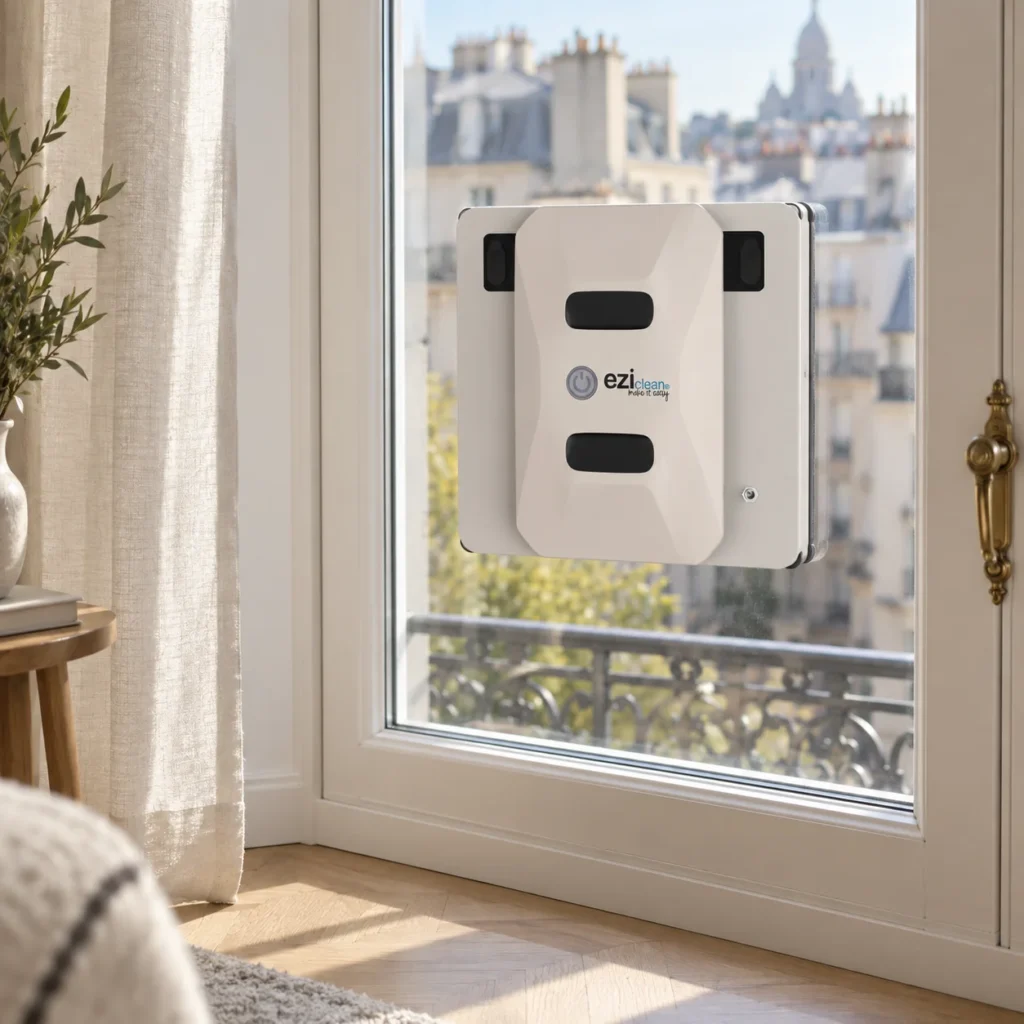
To compare Ecovacs, Hutt or Eziclean, apply these criteria to specific models. Without comparable records of faults, assigning a lifespan or reliability ranking to an entire brand would be misleading. Choose a model that is compatible with your glazing, has clear documentation and has identifiable maintenance options.
Frequently asked questions about window cleaning robot reliability
What is the average lifespan of a window cleaning robot?
No overall average can be established without documented tracking. Cleaning frequency, design, storage and repair options all affect lifespan. A claimed lifespan without a methodology or identified models remains difficult to verify.
Which window cleaning robot brand is the most reliable?
A ranking requires comparable data on faults and how they are resolved. Instead, compare models suited to your windows, their attachment systems, spare parts availability and repair terms.
Do negative reviews mean the robot is unreliable?
Not necessarily. Streaks, noise or poorly cleaned corners often reflect cleaning limitations. Repeated shutdowns, power failures or loss of attachment are more relevant to reliability. Look at the circumstances and how often the symptoms recur.
Does the robot keep cleaning during a power cut?
Do not assume it does. On many models, the backup battery keeps the robot attached temporarily without allowing normal cleaning to continue. Consult the manual and follow the retrieval procedure without waiting for the backup system to run out.
Can you leave a window cleaning robot running unattended?
Follow the instructions for the specific model. Sensors, a backup battery and a safety cord do not remove the need for supervision when it is required.
Can maintenance extend its lifespan?
Maintenance carried out according to the instructions can reduce some causes of malfunction. It does not guarantee a specific extension to the lifespan. Suitable storage, replacement of worn consumables and spare parts availability also help keep the appliance in working order.
Was this article helpful?
0% of readers found it useful (0 reviews)